
- Free preview
- Prints at true size
- Image never uploaded
Tattoo Stencil Maker
Turn a drawing, flash sheet or photo into clean stencil lines. Adjust detail and line weight, set the size in inches, and print it at true size.
A drawing, flash sheet, screenshot of your sketch, or a photo. High contrast works best.
JPG, PNG or WebP. Your photo stays on this device.
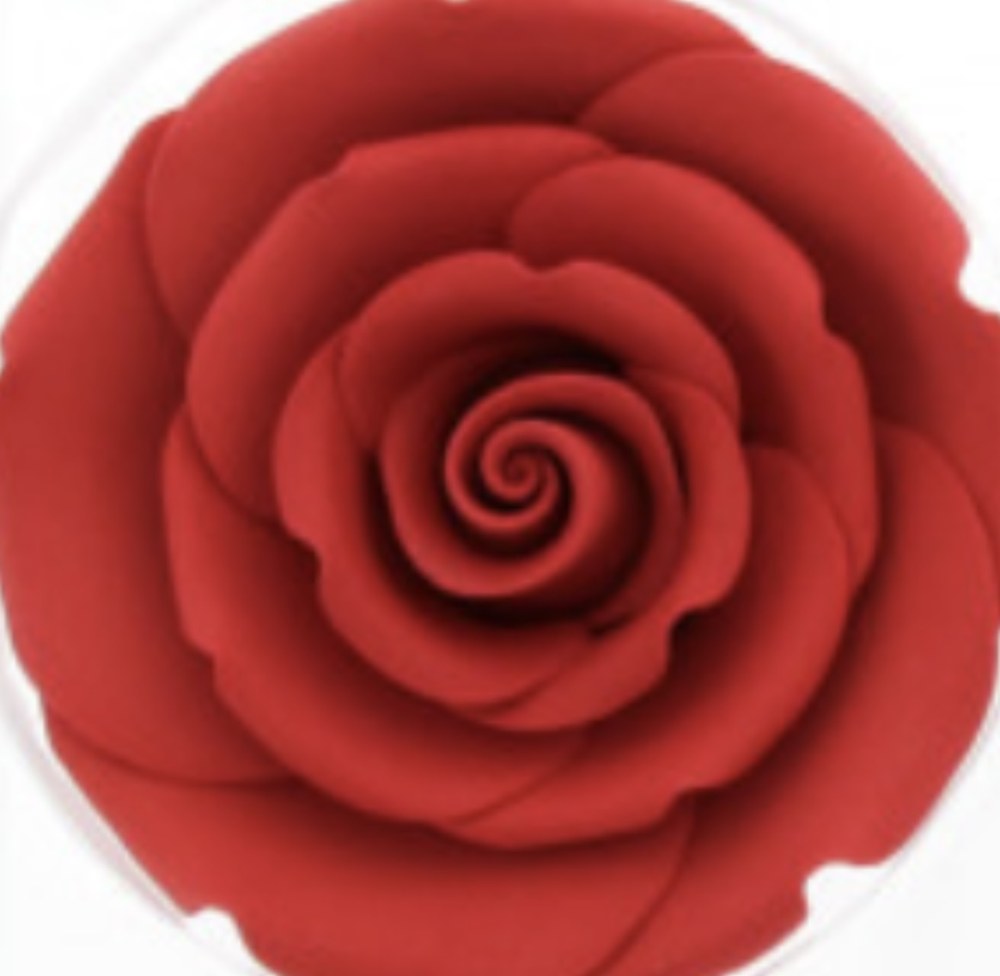
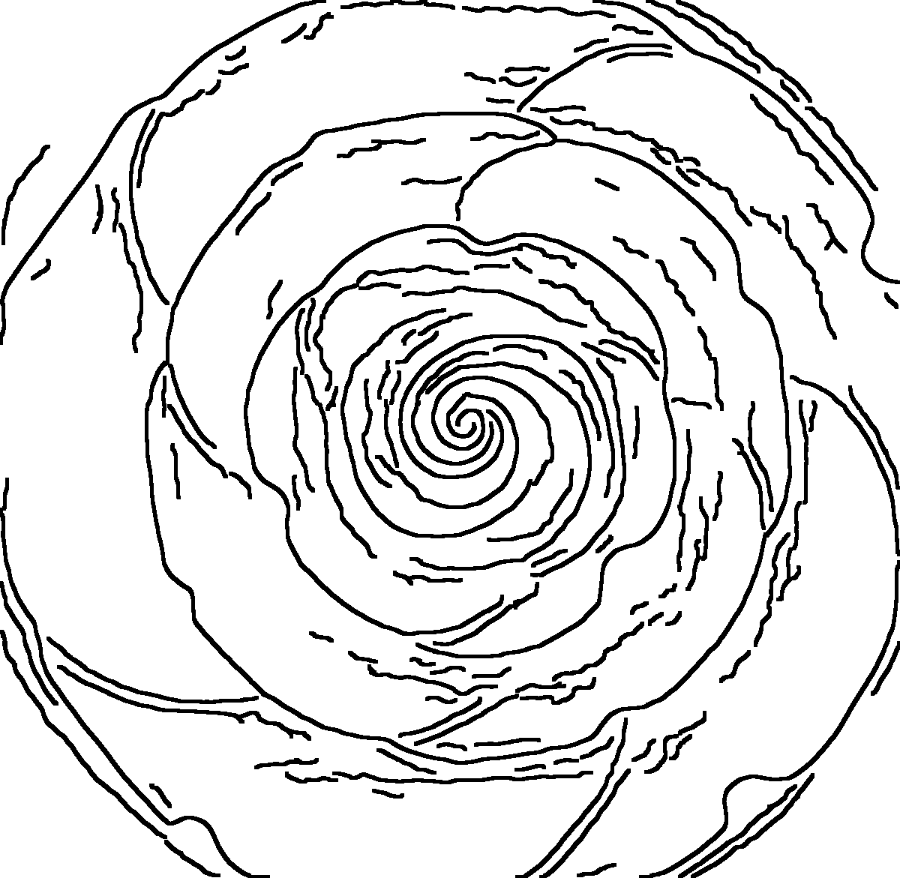
Images turned into stencils
Each one was made with the tool on this page. The style used is under each pair.
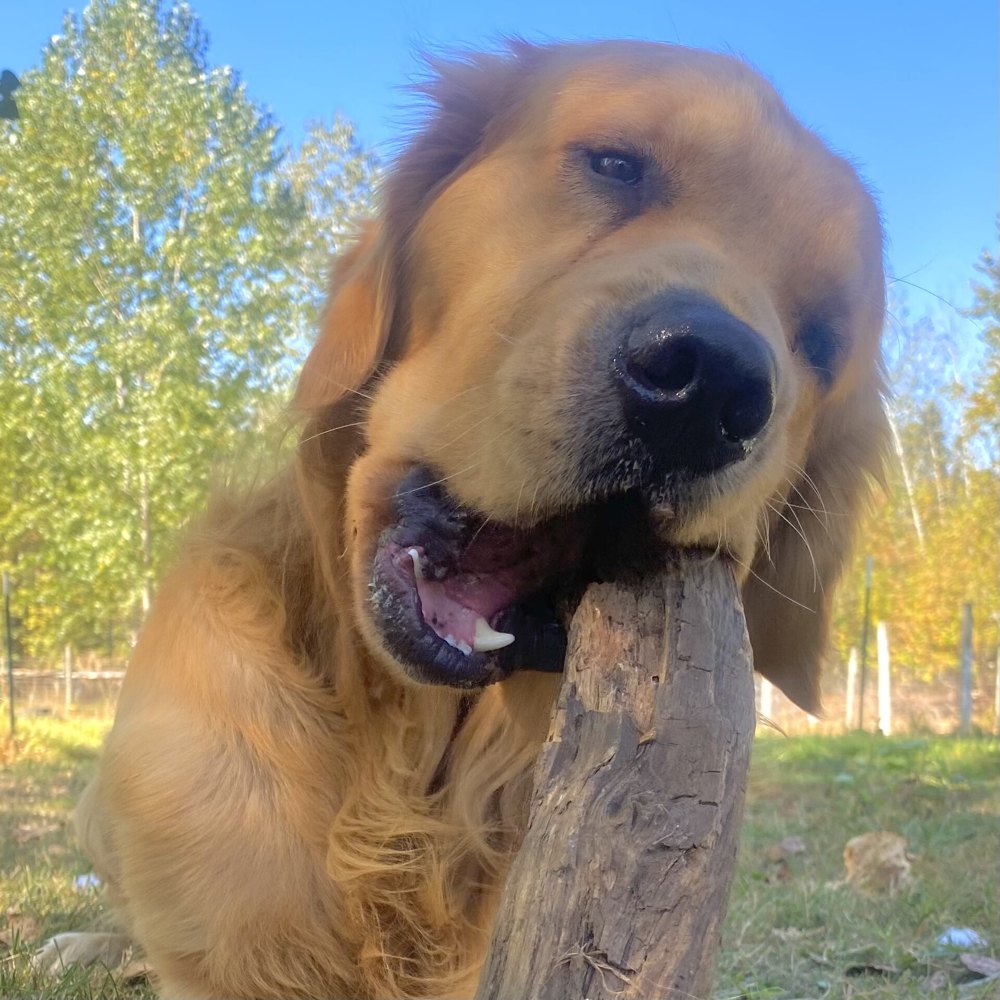
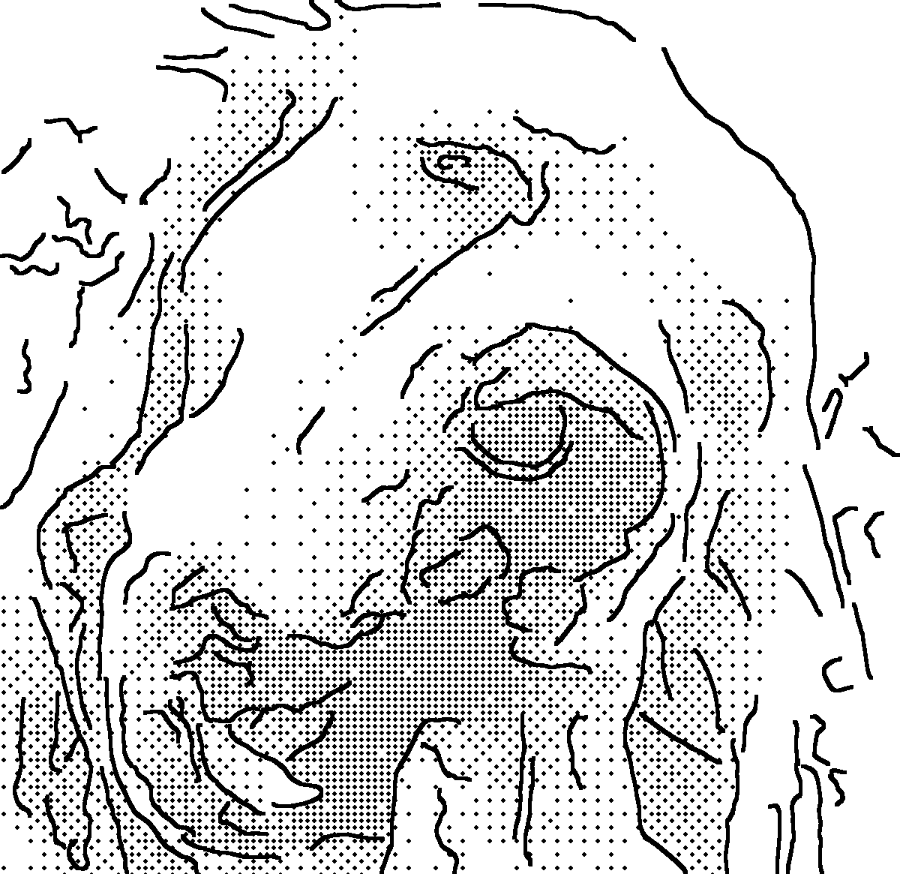
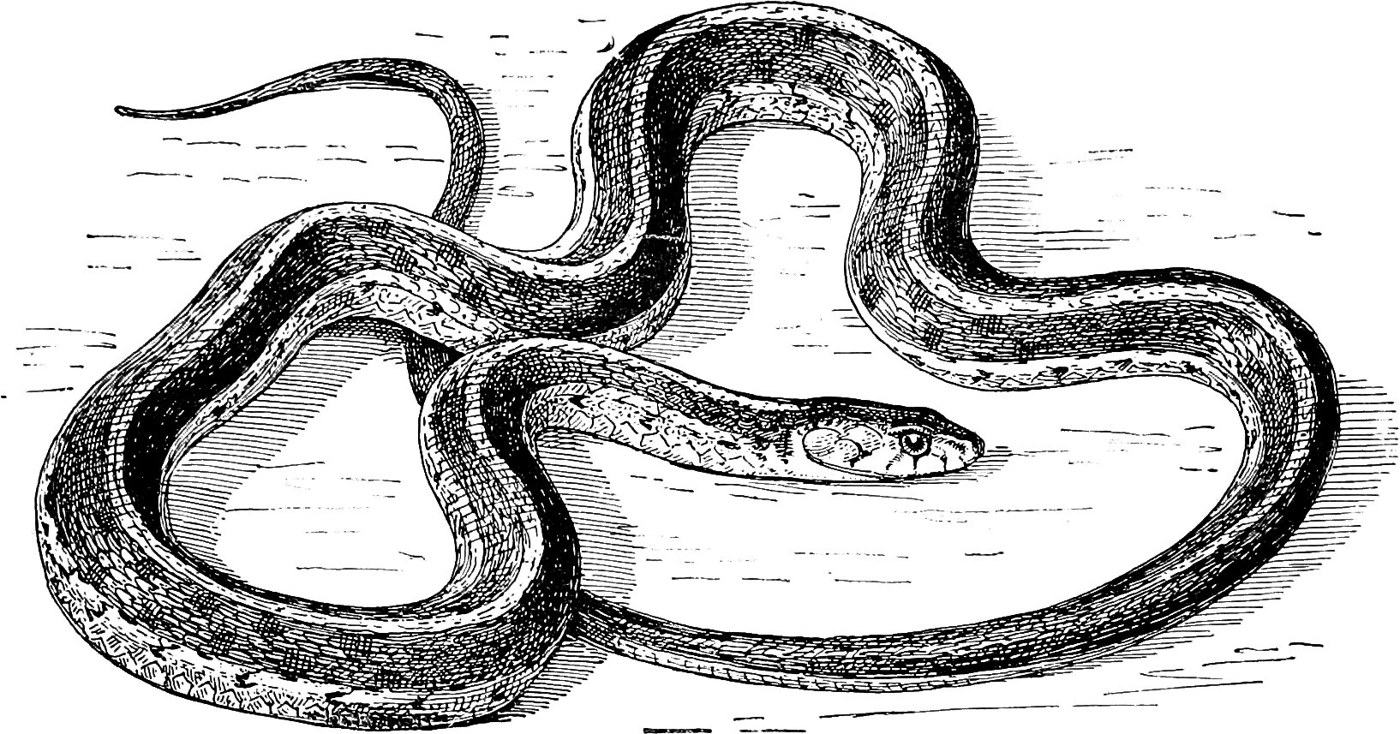
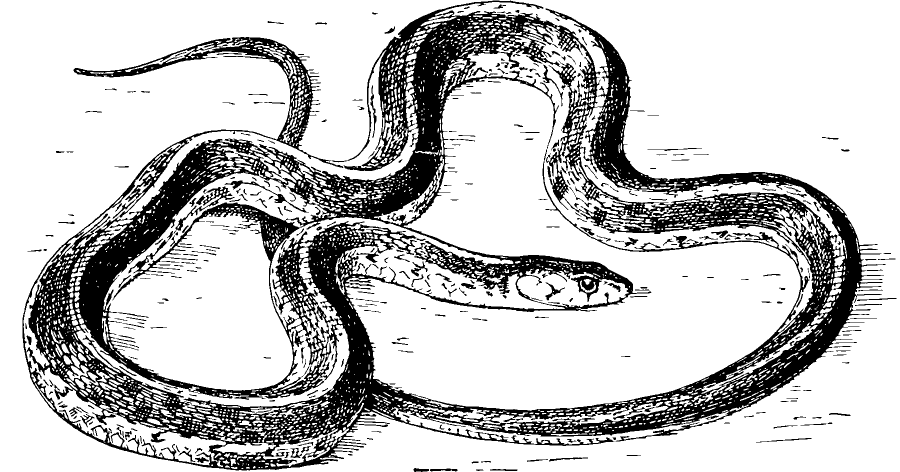
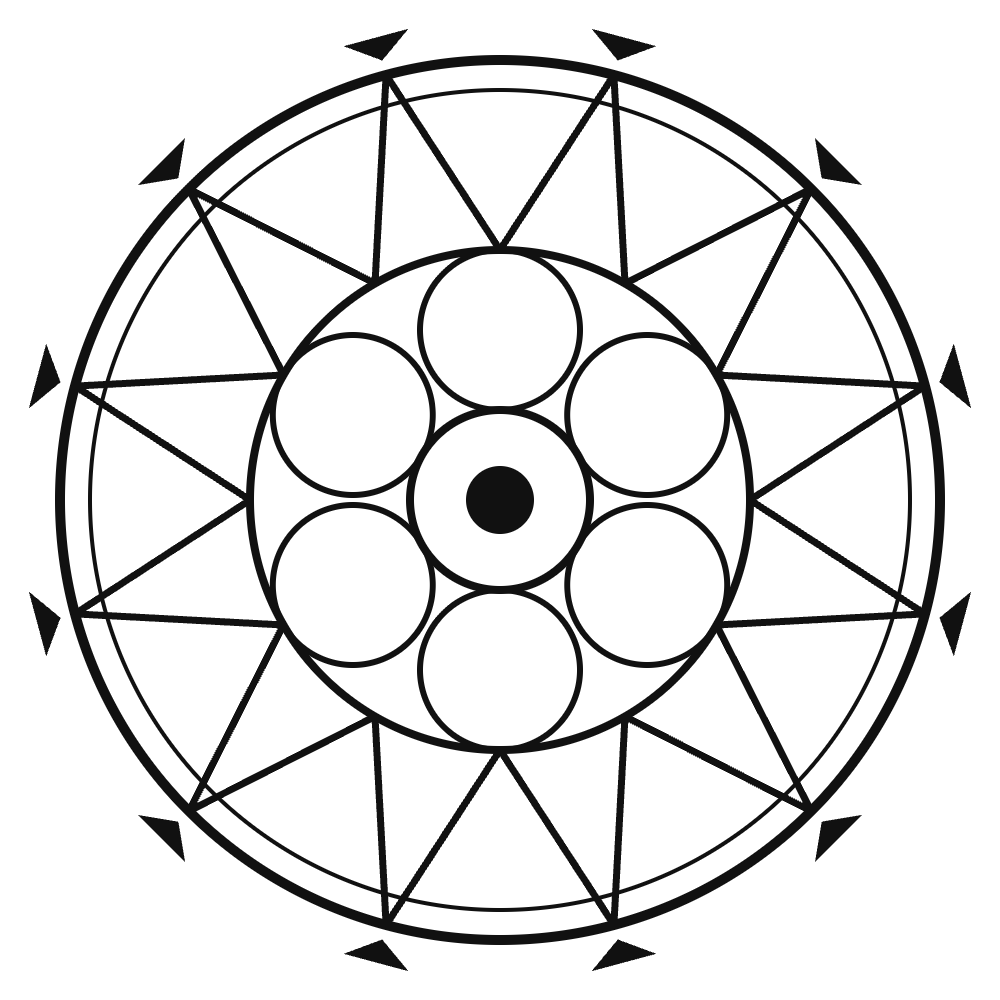
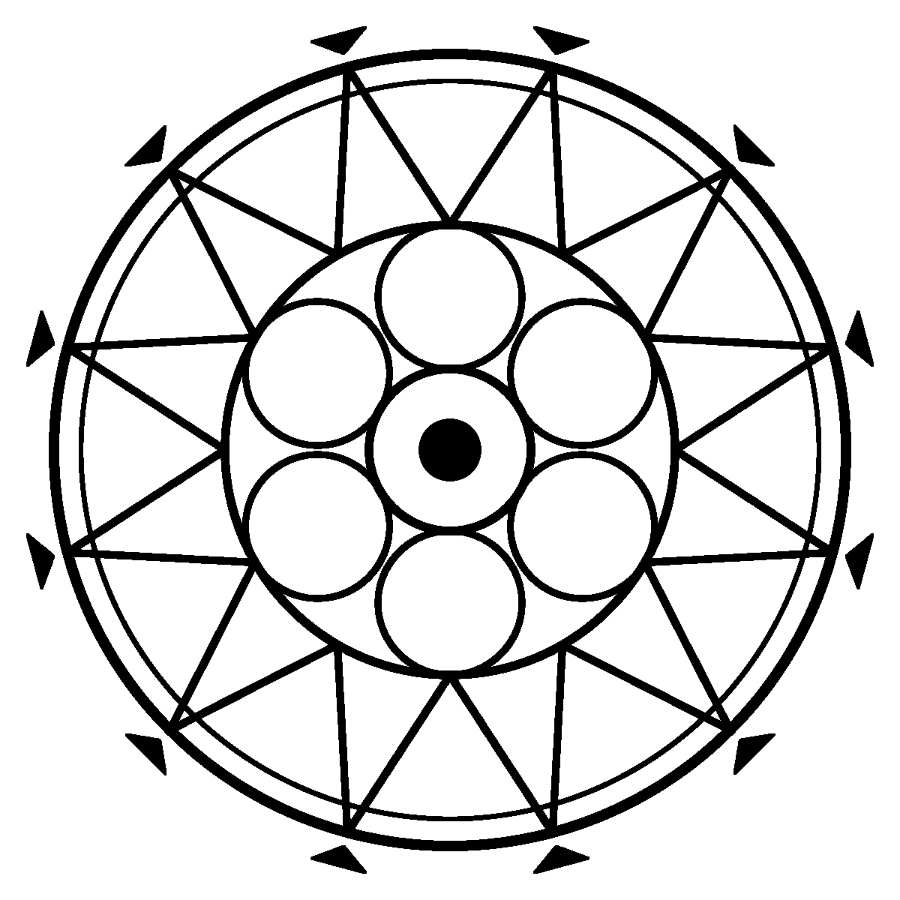
Free to design. Pay only for the files.
No account and no subscription. You see exactly what you're buying before you pay.
- Upload, crop and all the line settings
- Outline, shading and solid styles
- A live preview at your print size
- A watermarked preview image
- Print-ready PDF at true size, Letter or A4
- 300 dpi PNG, black on white
- Transparent PNG for Procreate and mockups
- No watermark. Adjust and download again for 7 days
- Unlimited stencils for 30 days
- PDF, PNG and transparent PNG
- For a week of clients
- Doesn't renew. No subscription
From image to stencil in three steps
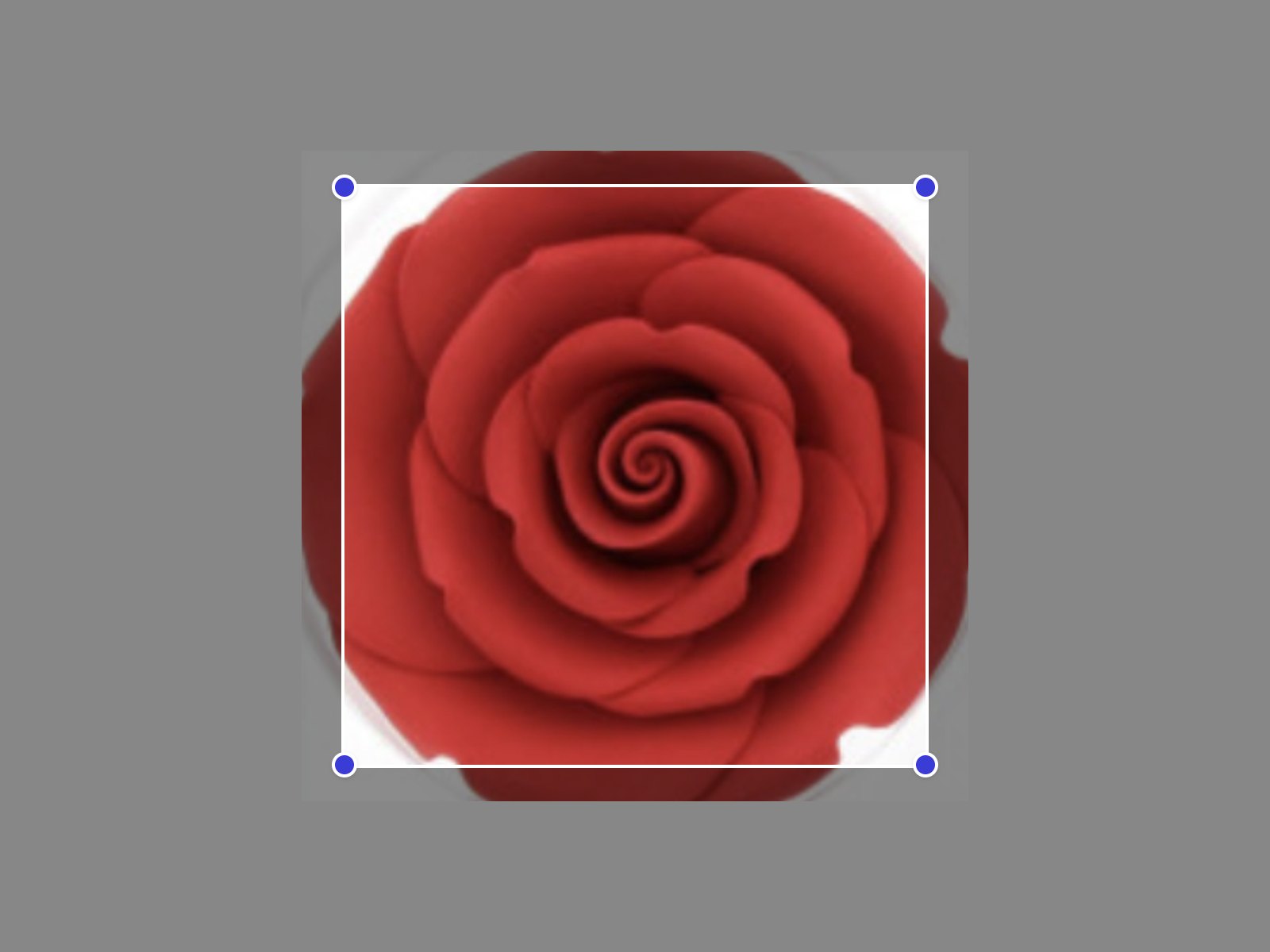 1
Upload a design or photo
A sketch, a flash sheet, a reference photo or a screenshot. Crop to the part you want.
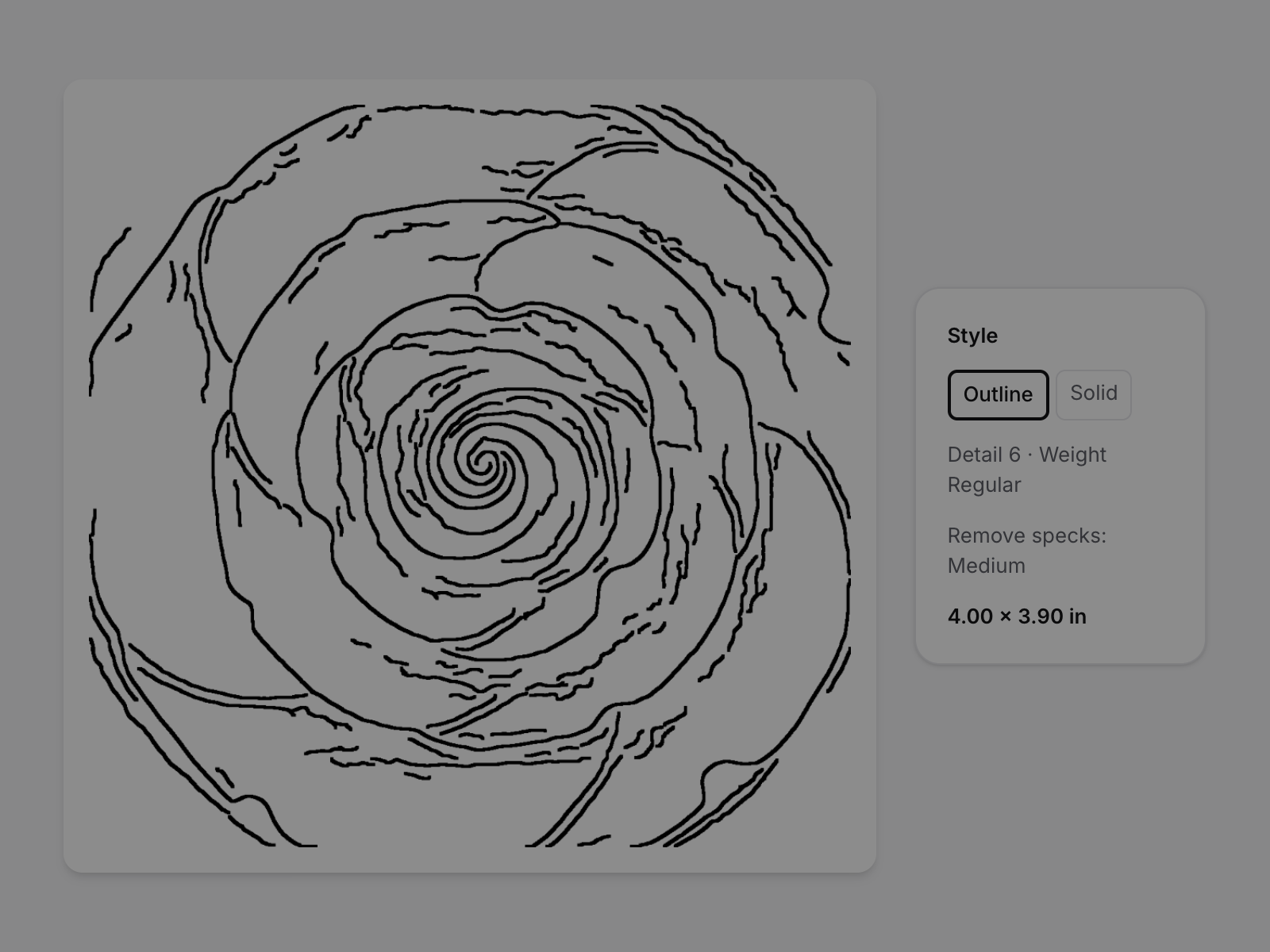 2
Tune the lines
Pick outline, outline with shading dots, or solid. Adjust detail, line weight and darkness, and remove stray specks. Mirror it if your transfer method needs that.
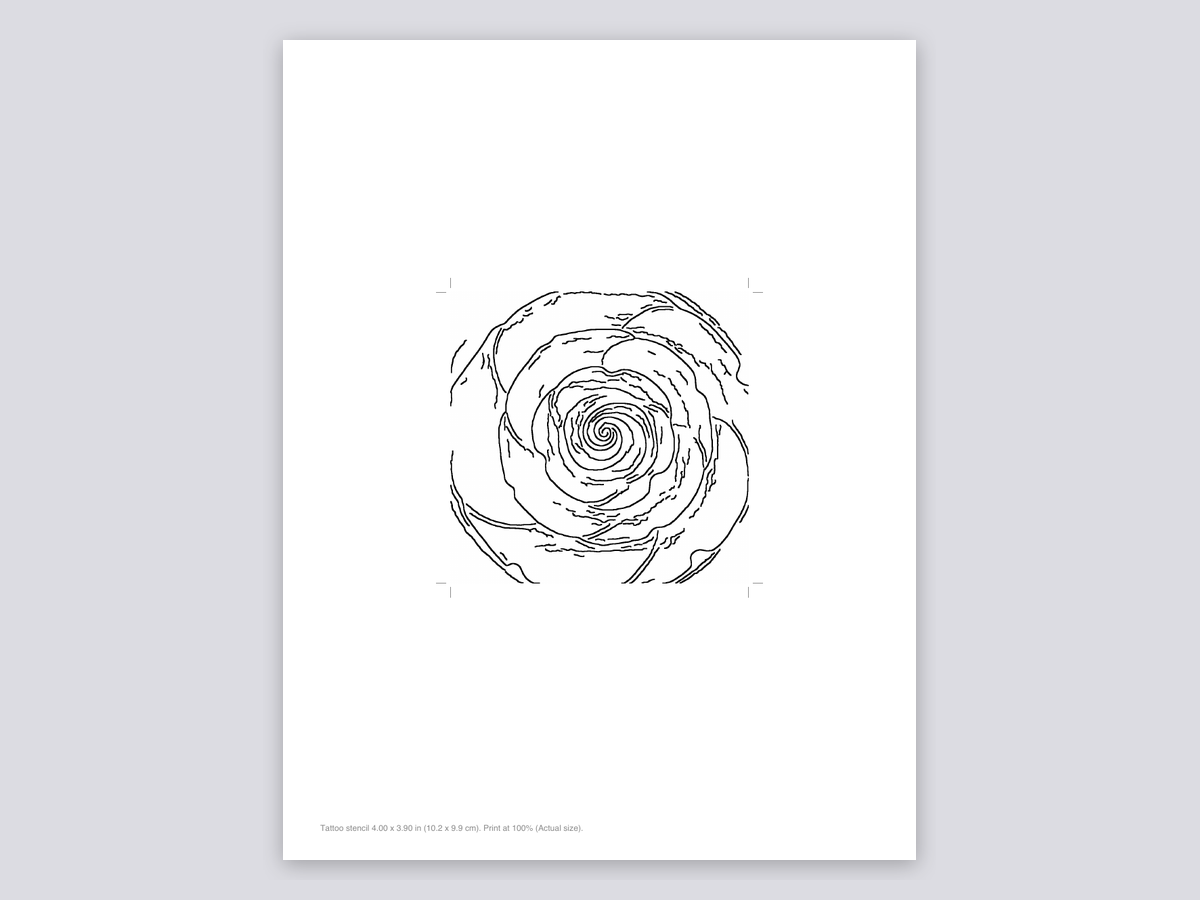 3
Print at true size
Download a PDF with the stencil at the exact size on Letter or A4, or a 300 dpi PNG. Print it on your thermal stencil printer at 100%.
How the stencil is made
Your image is resized to the print size you choose, at 300 pixels per inch, so every setting means the same thing on paper. Then it's processed in your browser in one of three ways.
- Outline finds the edges in the image (where light meets dark), thins each one to a single clean line and keeps the lines that are strong enough for your Darkness setting, so faint texture drops out and real contours stay. Then every line is thickened to your Line weight.
- Outline + shading adds stipple dots under the lines. The darker the area, the denser the dots, so the stencil shows where the shading goes without turning into a black blob.
- Solid keeps everything darker than the darkness setting as solid black. Use it for designs that are already black line art, like flash or lettering.
After that, specks smaller than the size you choose are removed, lines are thickened if you asked for more weight, and the stencil is mirrored if you ticked that box. The result is pure black and white, which is what thermal stencil printers expect.
Getting a clean stencil
- Start with contrast. A clear drawing or a sharp photo with even light gives the cleanest lines. Busy backgrounds turn into noise, so crop tight.
- Detail controls how small an edge can be. Lower it for bold traditional work, raise it for fine line or realism.
- Darkness sets how faint an edge can be and still become a line. If the stencil looks empty, raise it; if it's cluttered, lower it.
- Remove specks clears the dots left by skin texture, grain or paper texture. Medium suits most photos.
- Line weight thickens every line. Thermal printers and freehand transfers both lose a little, so very thin lines can disappear on skin.
For portraits and pets, Outline + shading usually reads better than plain outline, because the eyes and fur become dot texture instead of hundreds of tiny lines.
Printing and transferring
Thermal stencil printers: open the PDF and print at 100% ("Actual size"), not "Fit to page". The corner marks help you cut the sheet, and the label at the bottom repeats the size so you can check it with a ruler.
Inkjet stencil paper and hand tracing: print the PDF or the PNG at 100% on plain paper or inkjet transfer paper.
Mirroring: whether you need it depends on your printer and transfer method. Before a design with lettering, print a quick test with a few letters and check which way they read on the transfer. Turn on Mirror if they come out reversed.
The stencil is a guide for the artist. Placement, sizing on the body, skin prep and transfer are the artist's call.
Common stencil sizes
| Placement | Typical width |
|---|---|
| Wrist, ankle, finger | 1 to 2.5 in (2.5 to 6 cm) |
| Forearm (inner) | 3 to 5 in (7.5 to 13 cm) |
| Upper arm, calf | 4 to 6 in (10 to 15 cm) |
| Shoulder, chest panel | 5 to 7.5 in (13 to 19 cm) |
The size slider goes up to the largest stencil that fits on one Letter or A4 sheet with margins, about 7.5 by 9.6 inches. Measure the placement on the client before you set the size, and print a plain-paper test first for large pieces.
Which file to use
| File | Best for |
|---|---|
| PDF (Letter or A4) | Printing on a thermal stencil printer or inkjet at true size |
| PNG, 300 dpi | Printing from other apps; the file carries its print size |
| Transparent PNG | Procreate, placing the stencil over a body photo, design mockups |
All three come from the same 300 dpi stencil, so they match exactly.
Frequently asked questions
Is this tattoo stencil maker free?
Yes. Uploading, cropping, every setting, the live preview and a watermarked preview image are free, with no sign-up. The full-size files cost $3.99 for one stencil, as a one-time payment.
What do I get for $3.99?
A print-ready PDF at true size on Letter or A4, a 300 dpi PNG (black on white) and a transparent PNG, all without watermark. You can keep adjusting the same image and download again for 7 days in the same browser.
What is the $9.99 30-day pass?
Unlimited stencils and downloads for 30 days in the browser you paid from. It's a one-time payment, not a subscription, and doesn't renew.
Does it work with thermal stencil printers?
Yes. The PDF and PNG are pure black and white at 300 dpi, which is what thermal stencil printers expect. Print the PDF at 100% (Actual size) so the stencil comes out at the size you set.
Should I mirror the stencil?
It depends on your printer and transfer method. Print a quick test with a few letters and check how they read on the transfer; turn on Mirror if they come out reversed. The PDF label says when a stencil is mirrored.
Is my image uploaded?
No. The stencil is made in your browser, and your image is saved only in this browser so your work is still there if you come back. Use New image to remove it. The only things sent to our server are the checkout request and, after paying, a check that the payment went through.
Can I make a stencil from a photo of a person or a pet?
Yes, as long as you have the photo owner's permission. Use Outline + shading for faces and fur, crop tight, and set Remove specks to Medium or High.
Can I use another artist's design?
Only with their permission. Tattoo designs and flash are the artist's work. This tool is for your own drawings, licensed flash, and reference photos you're allowed to use.
How big can the stencil be?
Up to about 7.5 by 9.6 inches, the largest size that fits on one Letter or A4 sheet with margins. The smallest is 1 inch wide.
Does it work on a phone or iPad?
Yes, in Safari and Chrome. You can upload from your photos or take a picture of a sketch. On iPad, the transparent PNG drops straight into Procreate.
Can I get a refund?
Yes. If the stencil doesn't work for you, email us within 14 days with the email address on your receipt and we'll refund the full amount.
Make your stencil now
Free preview · Prints at true size · Image never uploaded